Fashion design brief template
Define the customer, product objective, design changes, selling points, and risks before technical development.
Small brand software guide
The best clothing design software depends on the decision you need to make. Small brands usually need a lightweight stack for visual direction, product planning, technical development, and supplier communication rather than one expensive tool that claims to do everything.
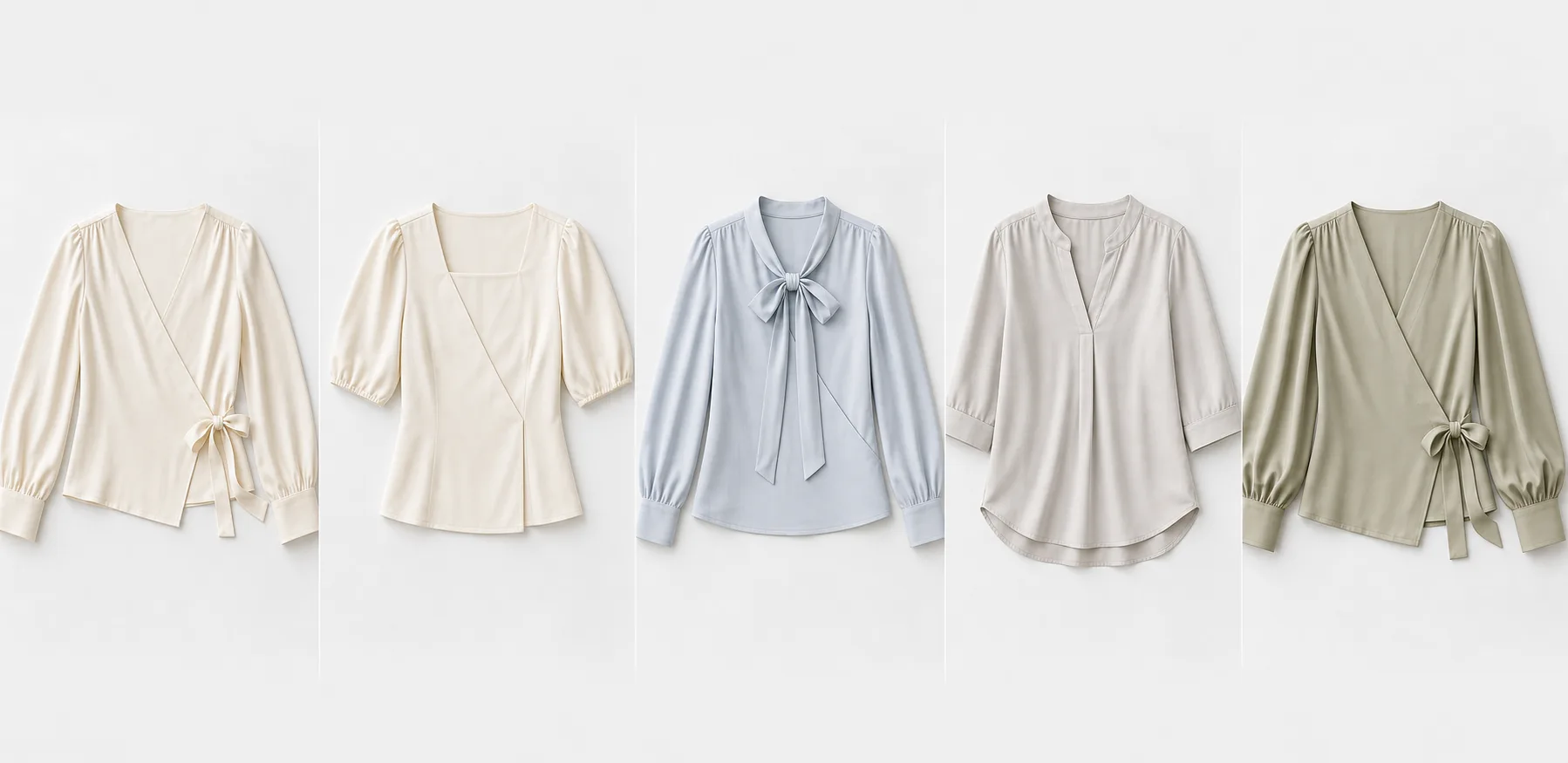
For a small brand, the best choice is usually a combination: Canva or Figma for mood boards, Illustrator or a fashion CAD tool for flats, a 3D garment platform when virtual fitting matters, and a product development tool for briefs, variants, and supplier handoff.
ModaExtend fits before detailed technical design. It helps turn one reference garment into a focused product line plan with customer logic, design changes, selling points, supplier questions, and production risks.
Start with the smallest stack that supports your current stage. Use a visual tool to collect references, ModaExtend to compare a four-to-eight-style assortment, a technical drawing tool for the selected styles, and a tech pack or product lifecycle system only when exact specifications and production tracking become necessary.
This sequence keeps early exploration inexpensive while reserving specialist time for designs that have already passed a commercial and production-risk review.
ModaExtend is useful when you have a promising reference garment and need a coherent product line brief before committing to samples. It is not a pattern-making system, grading tool, final tech pack, or replacement for a qualified technical designer and supplier.
Review a completed example, then download an editable template for your own product line.
Define the customer, product objective, design changes, selling points, and risks before technical development.
Give a factory clear keep, change, and confirm instructions plus practical questions for the first sample.
Review a completed four-SKU collection with assortment roles, fabric direction, selling points, and production risks.
Yes. Canva, drawing apps, and some AI tools offer free access or limited credits. Check whether the free output is editable, commercially usable, and detailed enough for your next development step.
You can use Canva for mood boards, color stories, presentation pages, and simple concept layouts. It does not create production-ready patterns, grading, construction specifications, or fit validation.
Choose by task. Image generators are useful for visual ideation, while product planning tools are better for assortment logic and briefs. Technical development still requires accurate drawings, measurements, materials, and specialist review.
Not always. It can reduce some sample iterations when patterns and fabric data are available, but a new brand can validate product direction with references, briefs, flats, and focused physical samples first.